Working towards personal goals is an important part of the Learned platform. A key feature within goals is the ability to plan new objectives for the period ahead and to evaluate progress on them. Since many organisations work with annual or quarterly goals, it is possible to link goals in Learned to a time frame.
Where can I find the goal cycles?
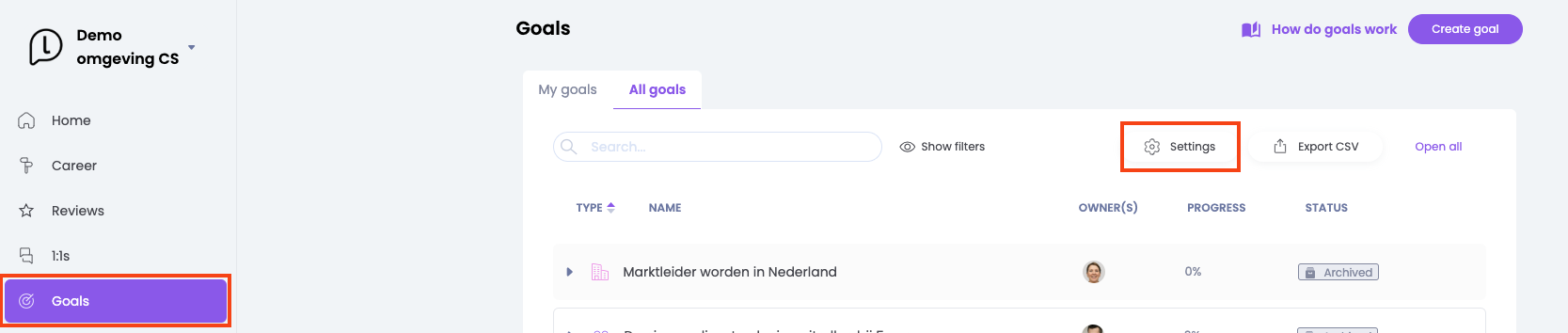
The Admins of the organisation are responsible for creating and maintaining the timeframes. A timeframe is a term to which it is possible to link goals. In other words: within that specific time frame, employee is working on this goal. To set up the time frames, go to Career → Goals. Click on Settings to view and create the timeframe.
Creating and editing timeframes
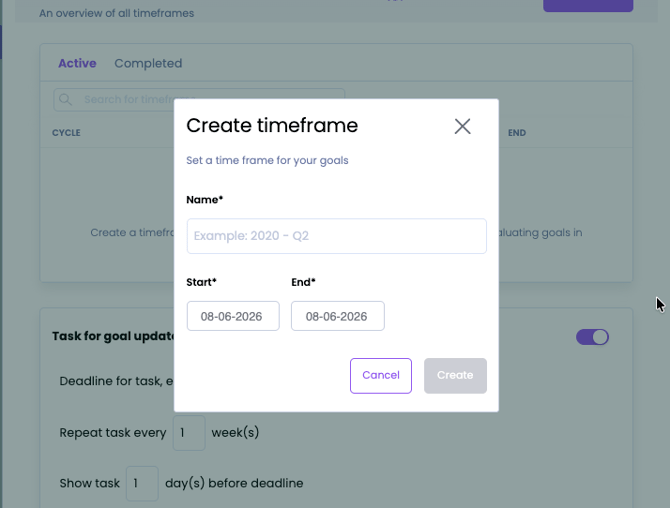
After clicking ''+ Time Frame'', you can give the frame a name and set a start and end date. Goals are worked on within this period.
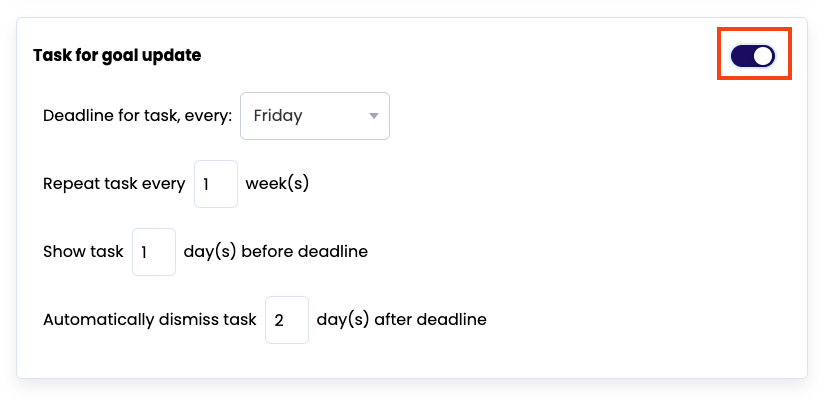
If you want to send additional notifications to remind the employee to update progress on goals, you can also set that up here.