
In your personal profile settings, in addition to setting the system language, you can choose to select a preferred language.
To do so, Click on the profile icon in the top right. You will automatically be taken to the personal settings. Here, scroll through to the ‘Languages’ section.
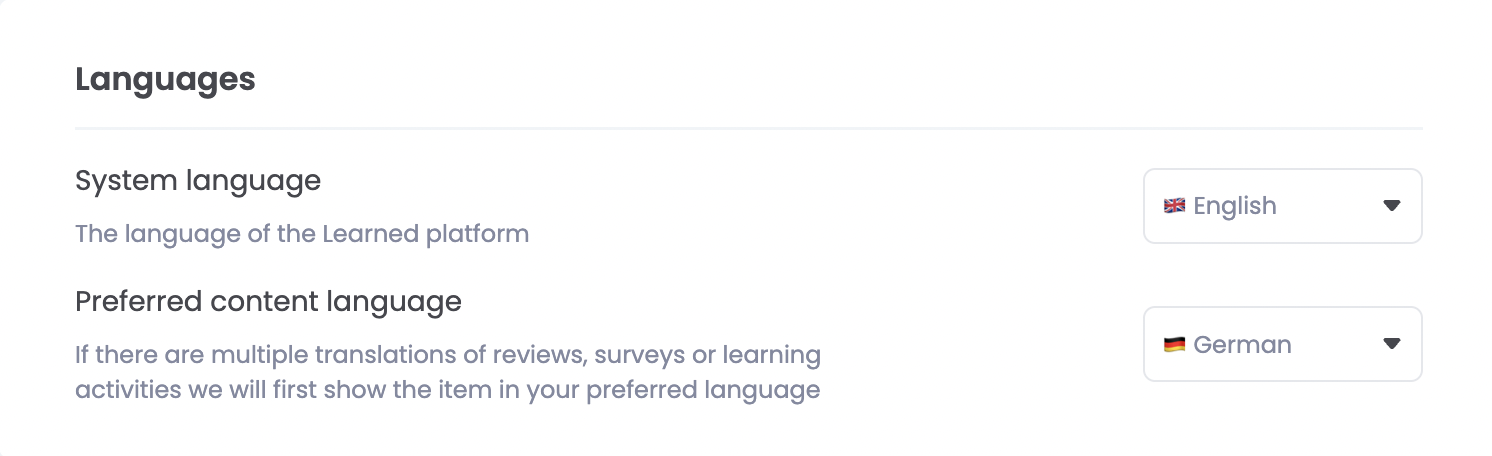
💡: The amount of visible languages available for translations depends on the organisation settings.
What can be shown in the preferred language?
-
Job profile
-
Skills
-
Core values
-
Review templates
-
Surveys
When you view one of the options above, the system will automatically check whether a translation of the survey is also available in your preferred language.
If a translation is available, the text will be displayed in your selected language. If not, the survey will be displayed in the company's default language.